On This Page
Configure Value Added Solutions
Value Added Solutions in the
Business Center
enable you to configure customer
data and payment flows. Follow these steps to set up and configure Value Added
Services in Unified Checkout
in the Business Center
:- Log in to theBusiness Center:Production URL:If you are unable to access this page, contact your sales representative.
- In theBusiness Center, go to the left navigation panel and choosePayment Configuration>Unified Checkout. TheUnified Checkoutcustomer experience page appears:
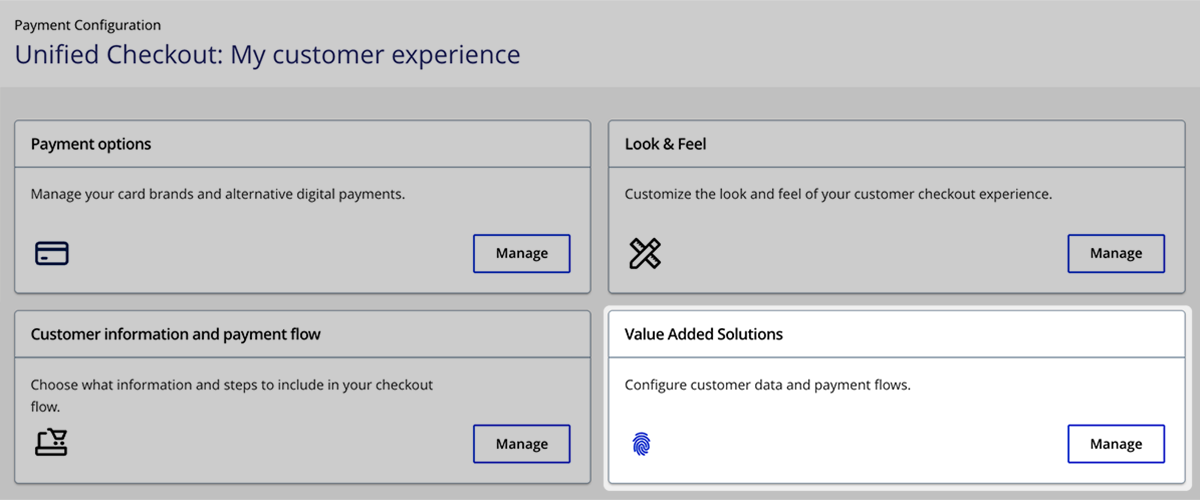
- In the Value Added Solutions section, clickManage. The Value Added Solutions page appears.
- Under Available Solutions, clickManagenext to the solution you want to configure.